Courses on mobile
No account, no app. A lesson opens from a link, so there’s no sign-up, no forgotten passwords and no support tickets. You can train people in shops, on the production floor and out in the field, too.
Every feature exists so that people learn something, and you know they learned it.
Built with AI
Upload a policy, presentation or document and MiniSlide suggests lessons with explanations and questions. It first agrees the goal and the lesson plan with you, and only creates the lessons when you say so.
No account, no app. A lesson opens from a link, so there’s no sign-up, no forgotten passwords and no support tickets. You can train people in shops, on the production floor and out in the field, too.
Explanations, graded tasks and feedback. After every answer, the correct solution with an explanation.
Start when a new employee is added, based on their start date, or after another lesson is completed. Only on working days, at a set time, with reminders for those who haven’t finished. If an SMS or Slack message can’t be delivered, an email goes out instead.
Who opened and finished a lesson, their score and whether they passed. Success rate per question, time spent on cards, number of attempts. Export to Excel.
MiniSlide picks up your logo, fonts and colours from your website or an image. Lessons can run on your own address, such as learning.yourcompany.com.
Spaces for departments and projects, each with its own lessons, editors and viewers. A shared media library: replace a file once and it updates in every lesson.
Work on the same course with your colleagues at the same time. Everyone sees each other’s changes as they happen, so subject experts, HR and L&D can finish a course together without emailing files back and forth.
We connect MiniSlide to any HR system you use. Employees, departments and start dates then flow into MiniSlide automatically, with no manual entry.
Data is stored in a data centre in Frankfurt. Each company’s data is separated at the database level. Correct answers are never sent to the learner’s phone, and an individual’s records can be deleted (GDPR).
Pick one topic, such as onboarding or a new product. In the demo, we’ll show it to you in MiniSlide as a finished lesson on a phone.
The demo takes 30 minutes.
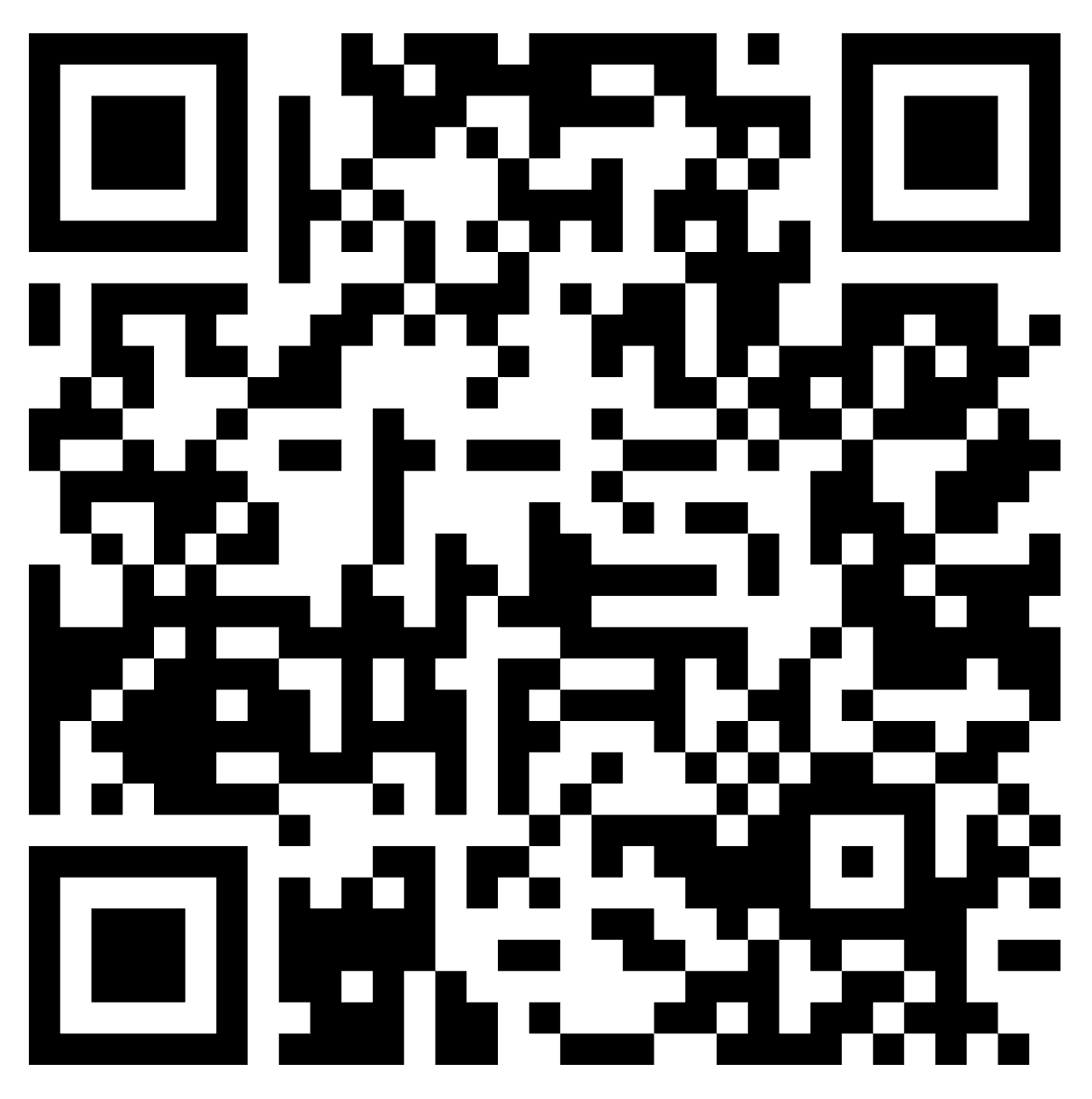
Scan the code with your phone and go through a demo lesson the way your employees will see it.
Open the demo lesson